

Articles
How to modify your Decklink Quad 2 Fans to Noctua Fans for quiet operation


In the steps below I will outline how to modify the fans on your Decklink Duo 2 to use Noctua fans whilst still fitting in our Decklink Duo 2 Enclosure. The outcome is near silent operation whilst still keeping the card well within its thermal limits (assuming a reasonable environment temp). I will still note that airflow around the enclosure is still required. It only requires some basic DIY/Soldering skills, and it fairly low risk to your Decklink Quad 2.
Items required:
1: Safe place to work – A silicone matt is perfect for this
2: 2x Noctua NF-A4x10 12v 3 pin
3: Soldering Iron
4: Heat shrink 1.5mm and/or electrical tape
5: Flux
6: Side snippers
7: Philips Screwdriver
8: Glue – I recommend e6000, you can use Super Glue if you trust yourself not to be messy!
Step 1:
Remove the existing fans from the Decklink Quad 2: Each ‘fansink’ has three philips screws holding in the fan. They can be easily accessed, unscrew these and remove the fans.
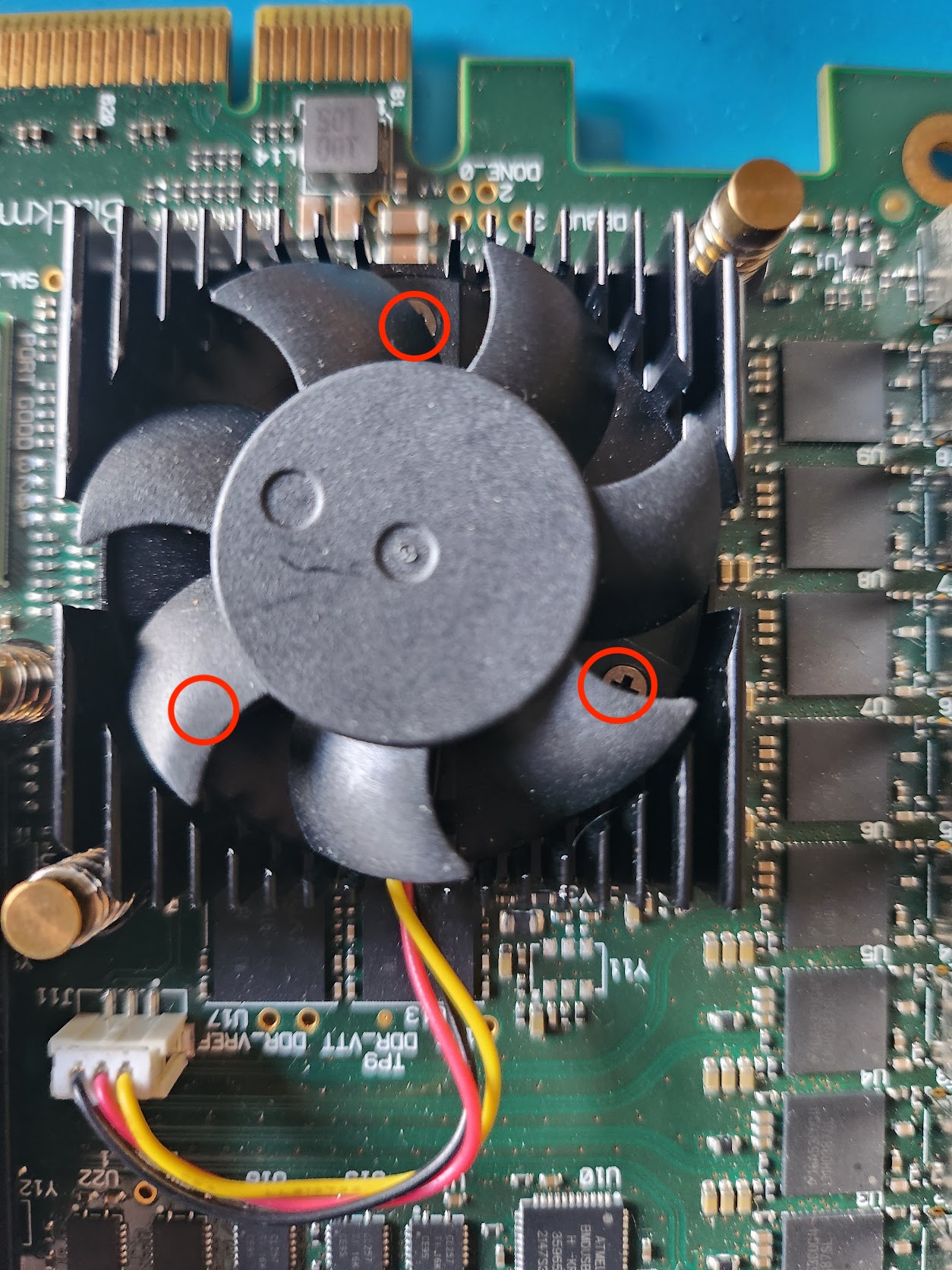
The Fans removed:
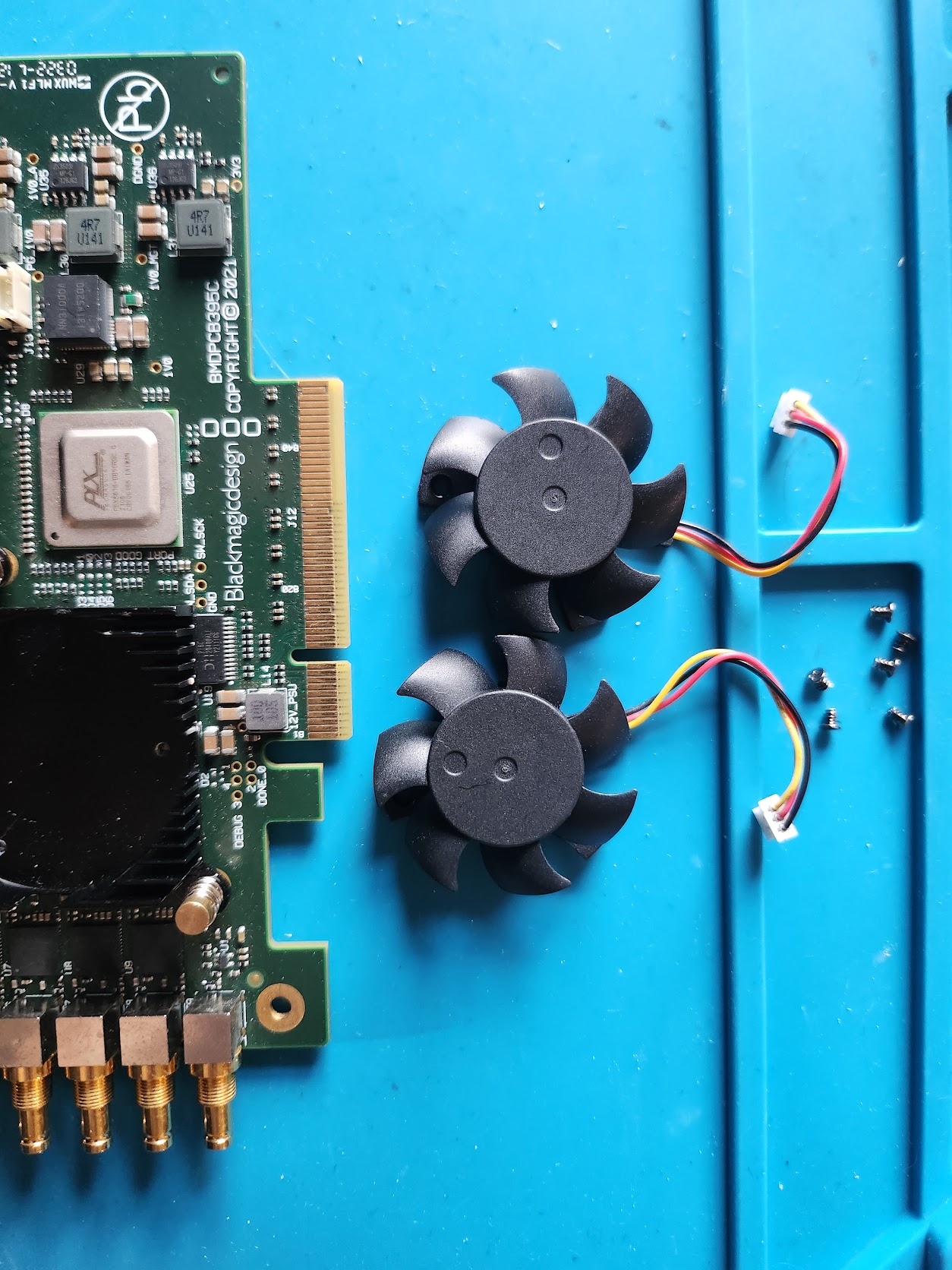
Step 2
Snip and strip the fan wires:
(We only want the connector, so you can snip quite close to the fan)

You should end up with something like this:

Step 3
Snip and strip the wires from your Noctua fans:
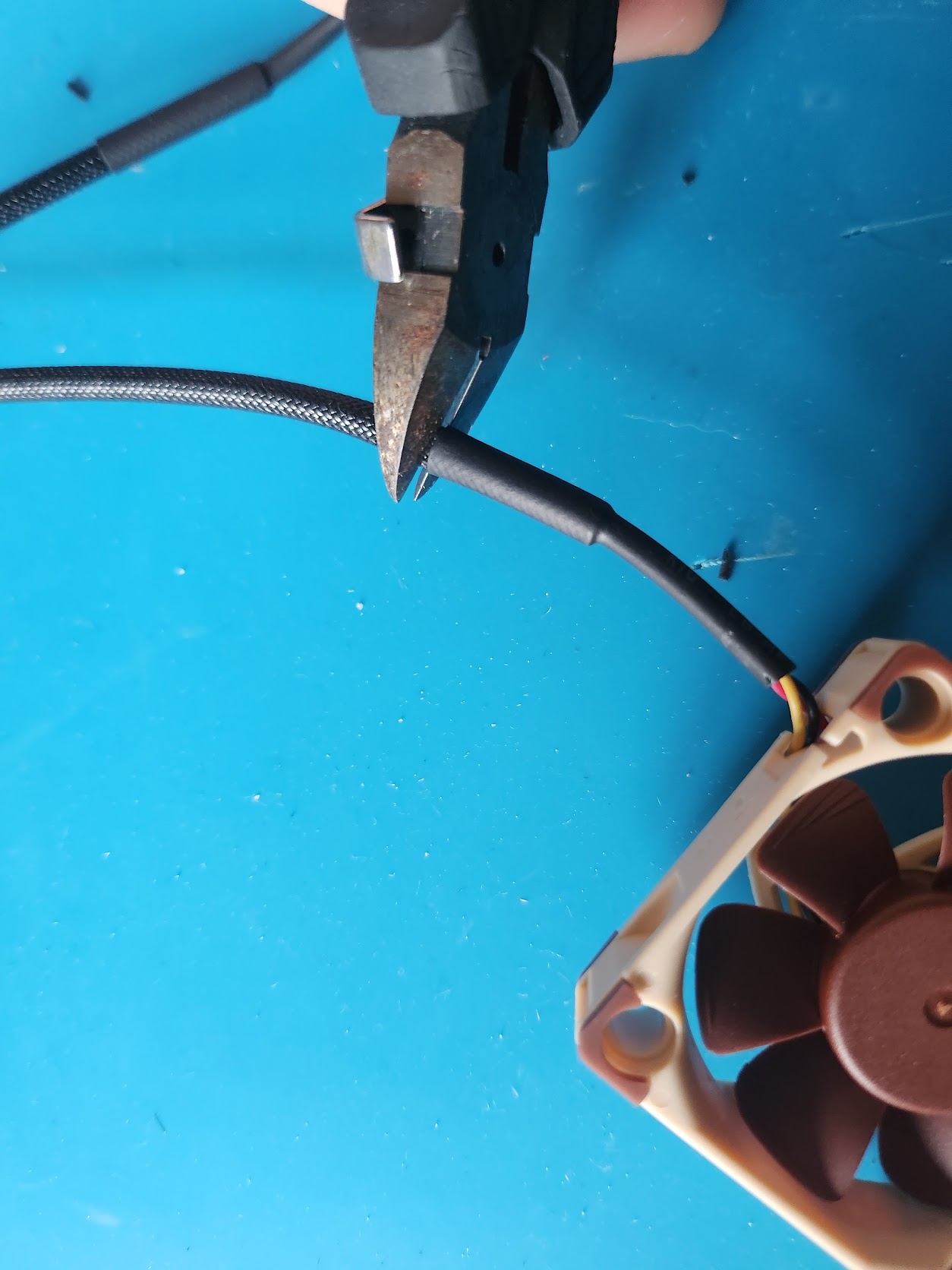
Step 4
Snip the arms that holds the fan blades to the fan shroud:
(snip as close to the shroud as possible)

You should end up with 2 fans looking like this:
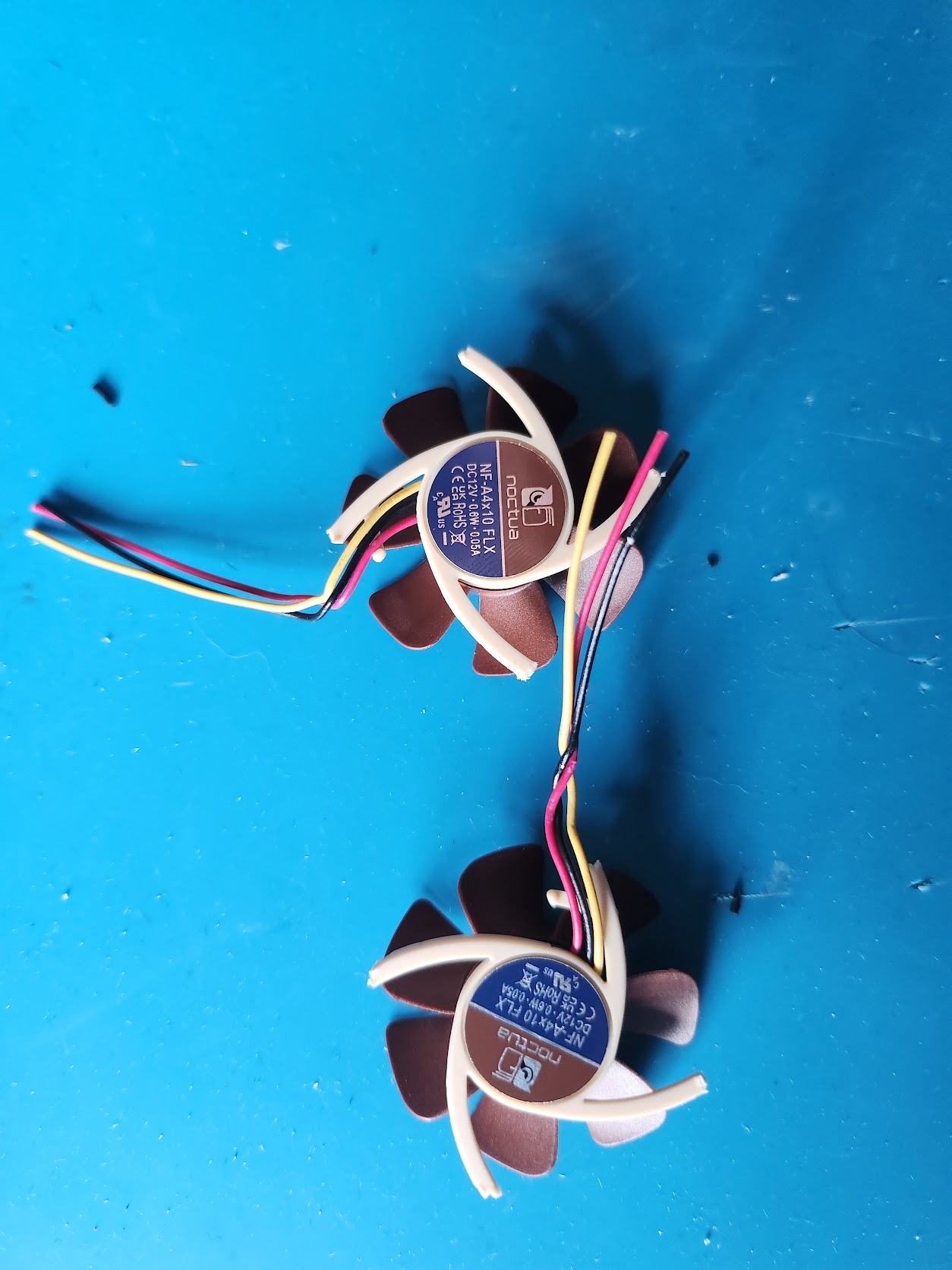
Step 5
Prep and solder the wires together
Fortunately everything matches up colour-wise, so red to red, black to black and yellow to yellow. I strongly recommend using flux to aid in the soldering – and if you have some then don’t forget your heat shrink! (don’t worry if you don’t have heat shrink, you can just use electrical tape in a pinch)
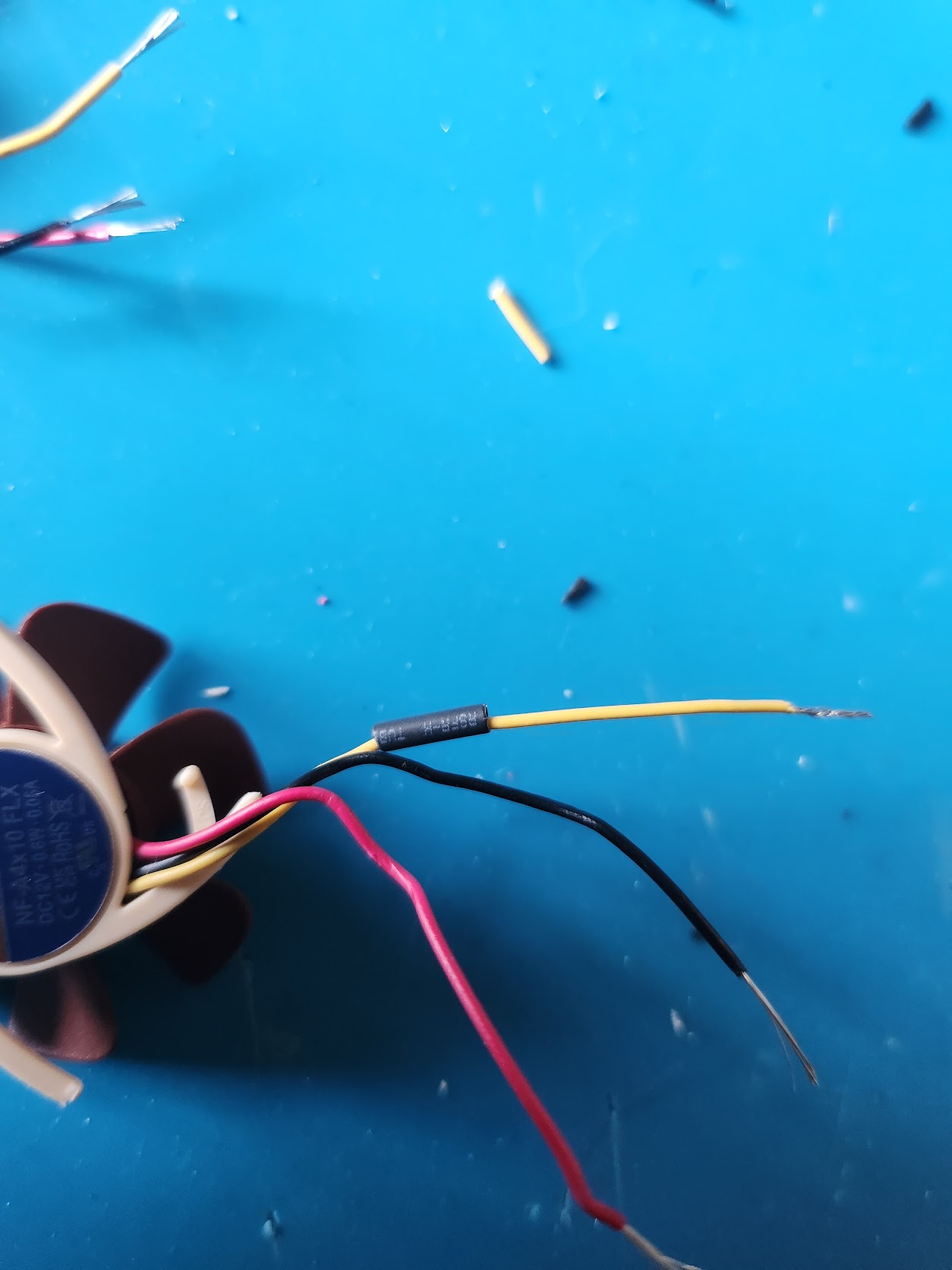

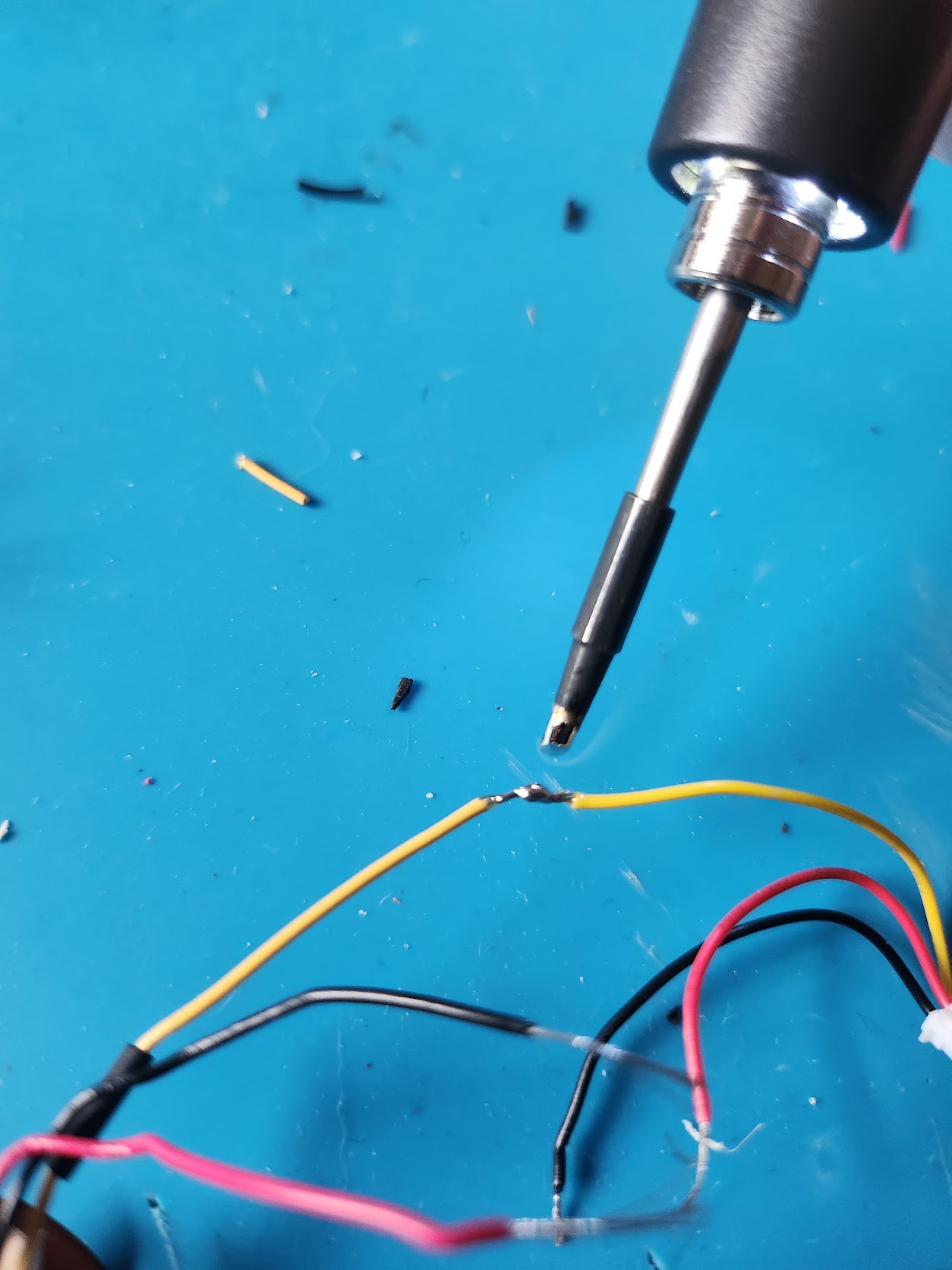

Once you have soldered the individual wires, wrap them in a small piece of electrical tape to keep them from moving about too much:

Step 6 – Time to glue
Add a thin layer of glue to the bottom of the fan, I like to use a small piece of plastic packing to smooth/even it out. Then place the fans into the heatsink and press down firmly.

Step 7 – Leave to dry
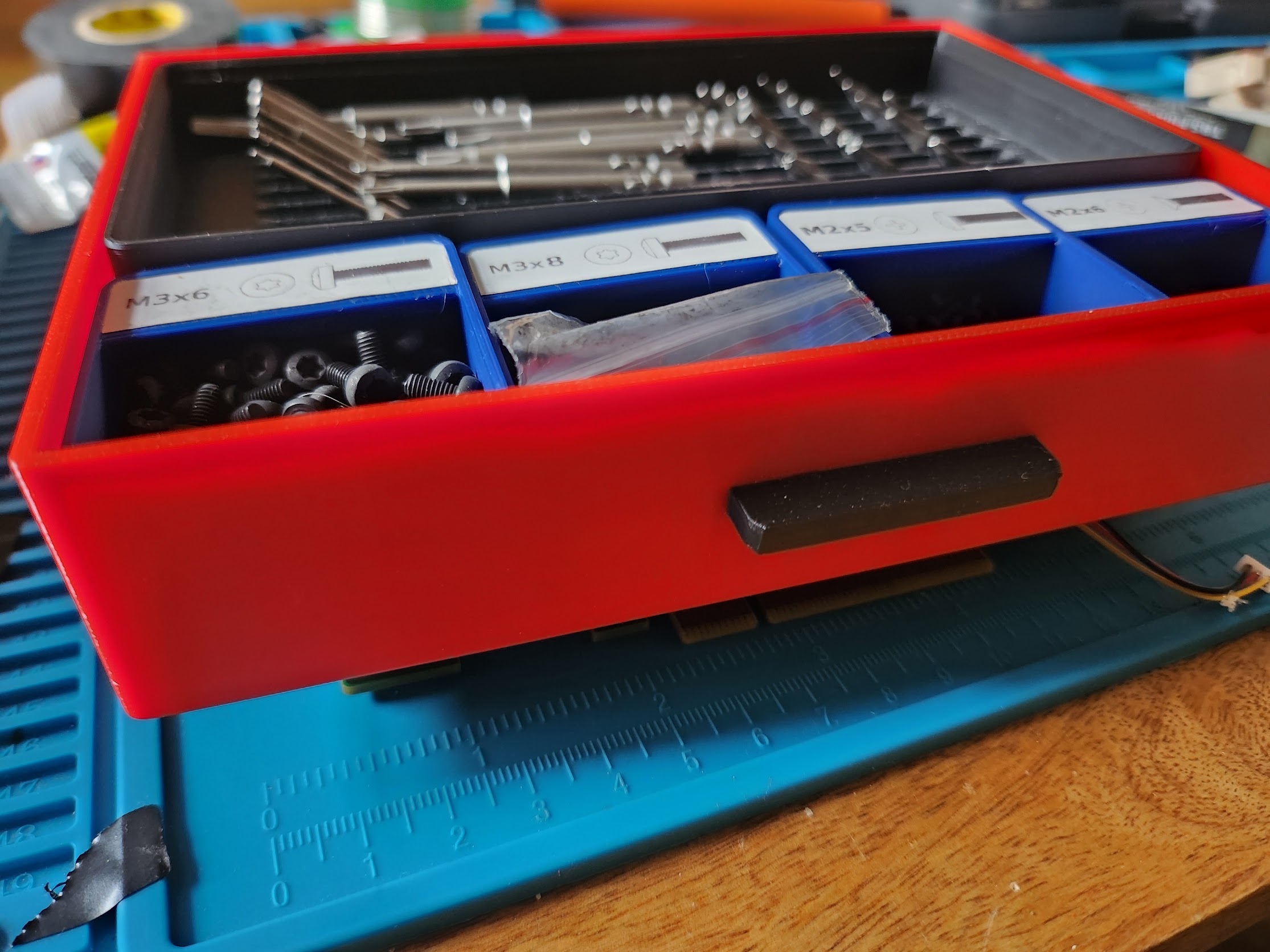
If you aren’t using Super Glue then put something like a book or other moderately heavy item balanced on top of the fans. Be careful not to knock them out of place.
I used a screwdriver set:
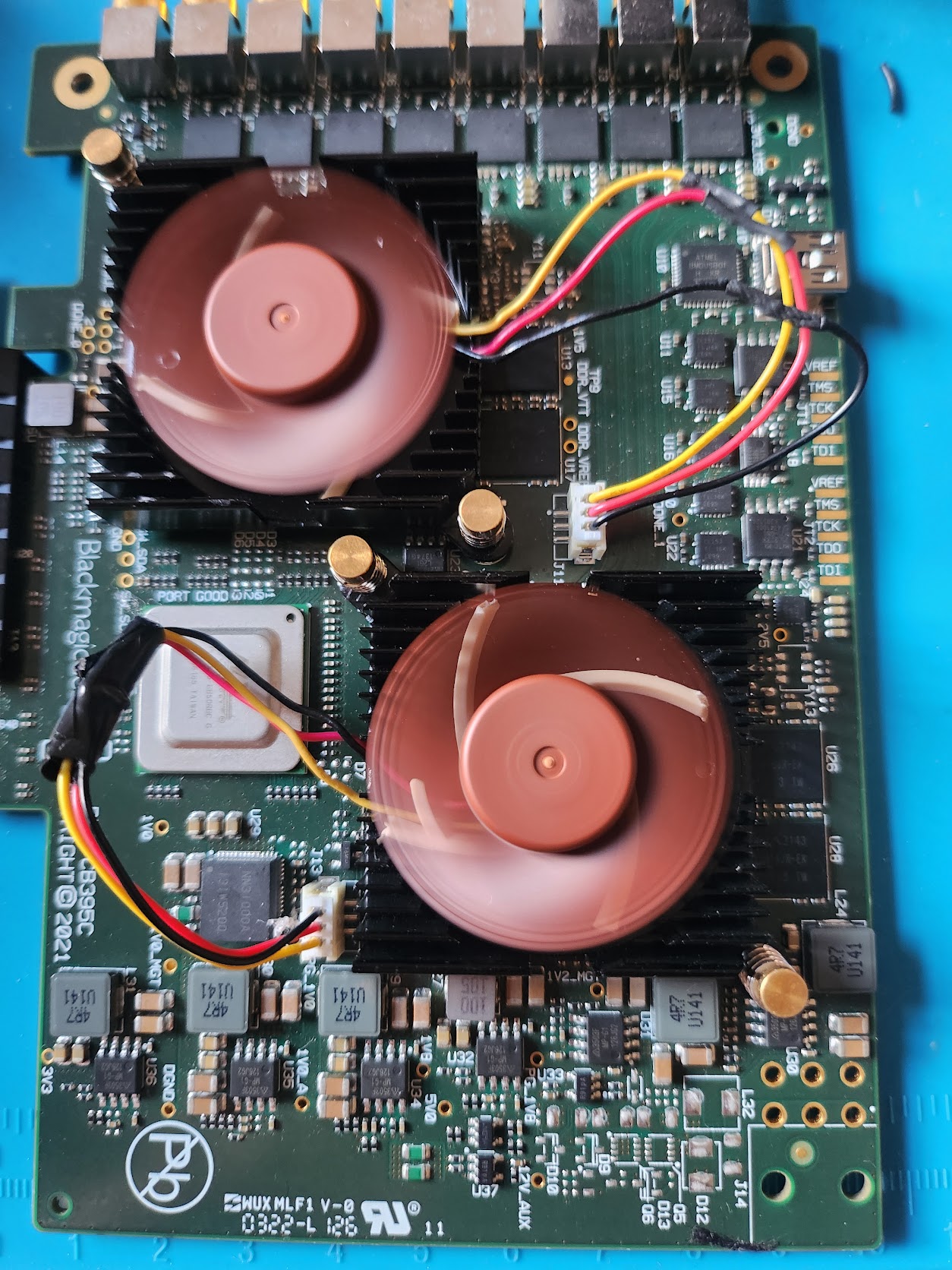
All Done!
I didn’t get mine perfectly central in the heatsink, but that’s ok, it still works perfectly – and more importantly, silently!
Is this still holding up? I just got a Deck link Quad and it has the crappiest fan ever, I ordered a noctua and am planning on gluing it like this (though probably with epoxy)
Yea it’s holding up well, I don’t use a Quad every day, but I know a couple of people who have done the mod and had no issues. I can’t see any reason it would fail to be honest – not when using a good glue as you plan to!